Anatomy · Planning · Consultation

Explore facial anatomy in interactive 3D

See the relationship between facial structures with a model you can rotate, enlarge and explore by layer. Alfacenturi gives clinicians an anatomical reference that stays available alongside the planning workspace.

Open the 3D face viewer

Move beyond a single view of the face

Inside the appExplore, focus, return

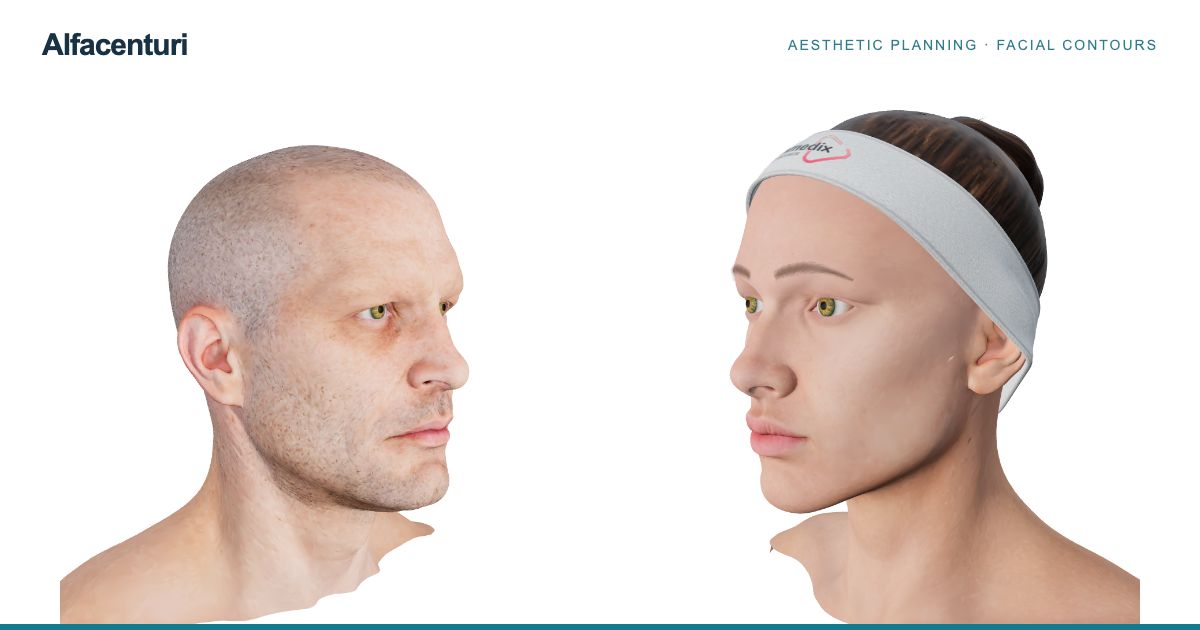
A front view and an oblique view answer different visual questions. Rotate the model to inspect the contour from another angle, then zoom to focus on the region you are reviewing. The reset control brings the camera back to its starting view, so you can return to a consistent orientation after exploring.

Both male and female models are available from the main interface. Switching models provides another reference for visual discussion; the displayed anatomy remains a general model, not a reconstruction of an individual patient.

Study the relationship between anatomical layers

Inside the appControl what you see

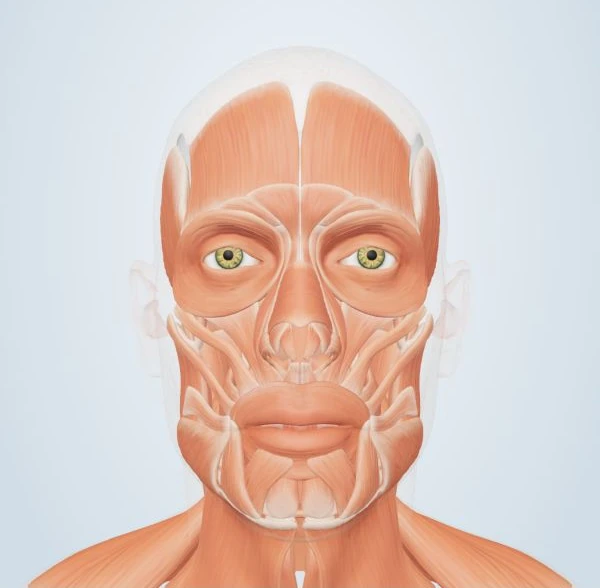
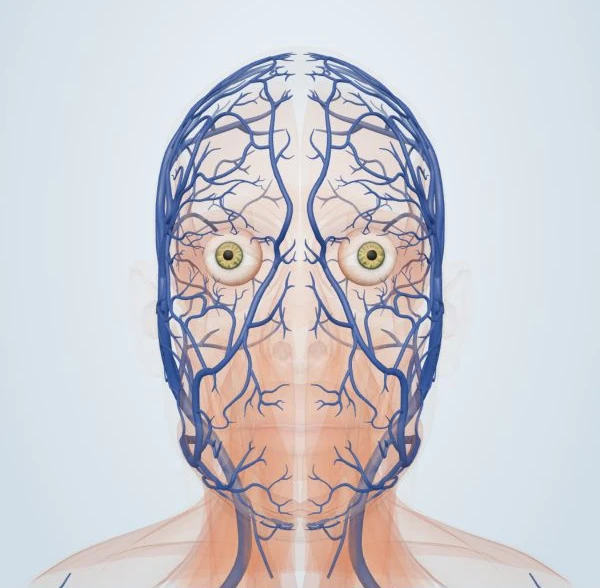
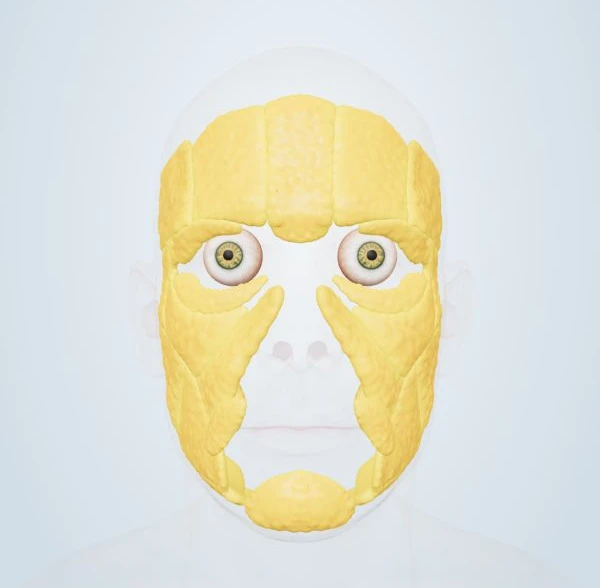
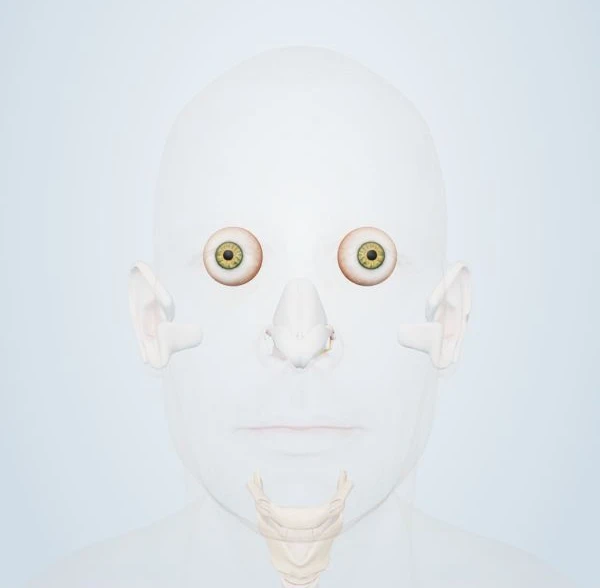
The layer controls cover the surface, musculature, vascular anatomy, fat compartments and skeletal support. Show the structures relevant to the current discussion and reduce the opacity of another layer when it obstructs the view. This lets you compare the position of a visible surface with the anatomy represented beneath it.

You can focus on one layer or combine several. For example, a review of facial contours may use the surface and skeletal views, while a discussion of expression may focus on muscle anatomy. The controls change the display; they do not establish a patient-specific diagnosis or a treatment recommendation.

Adjust the display without losing your place

Inside the appThe same reference, your preferred display

Light and dark interface modes provide different working backgrounds. Display controls also adjust the tone of the 3D viewport, while layer opacity determines how strongly a structure appears. These are separate choices: one changes the appearance of the viewer, and the other changes the visibility of the anatomy.

On a phone, the viewer brings its main tools into a compact layout. On a larger screen, more of the controls can remain beside the model. Rotate, zoom, inspect a layer and return to the plan without moving to a separate anatomy document.

Use the viewer as a shared visual reference

Inside the appA shared point of reference

An anatomical image can give a conversation a clear point of reference. The same model can support a clinician’s review, a discussion of facial regions or an explanation of the areas represented in a proposed plan. Alfacenturi keeps the visual reference close to the planning tools so the discussion can move between anatomy and the proposal.

Questions about the software

Which facial anatomy layers can I view?

The interface includes surface, muscle, vascular, fat and bone controls. Layer visibility and opacity let you choose which structures appear together in the model.

Is the 3D model a scan of my patient?

No. The male and female models are general anatomical references. Patient photographs submitted through a clinic portal are separate from these models.

Can I use the viewer in Spanish?

Yes. Select ES in the main interface to use the Spanish anatomy controls, or EN for English. The app also offers light and dark appearance modes.

Bring the workflow into view

Explore the anatomy viewer and planning tools in your browser.

Open the app