A face you can explore from every angle

- RotateReview another angle
- RevealChoose visible layers
- FocusZoom into the region
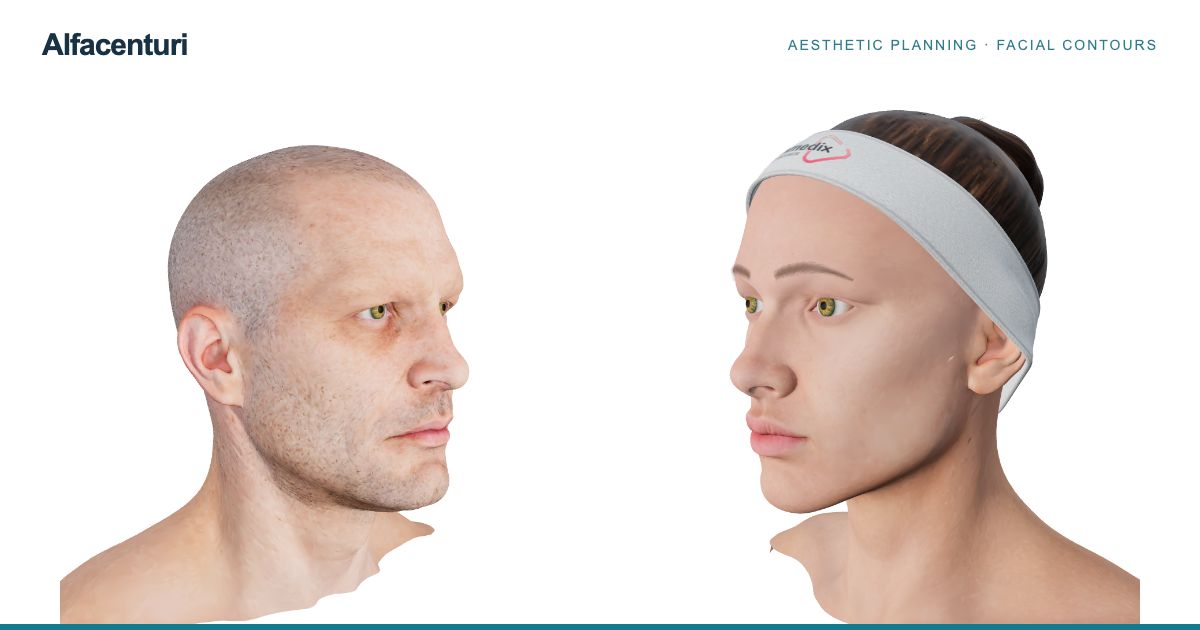
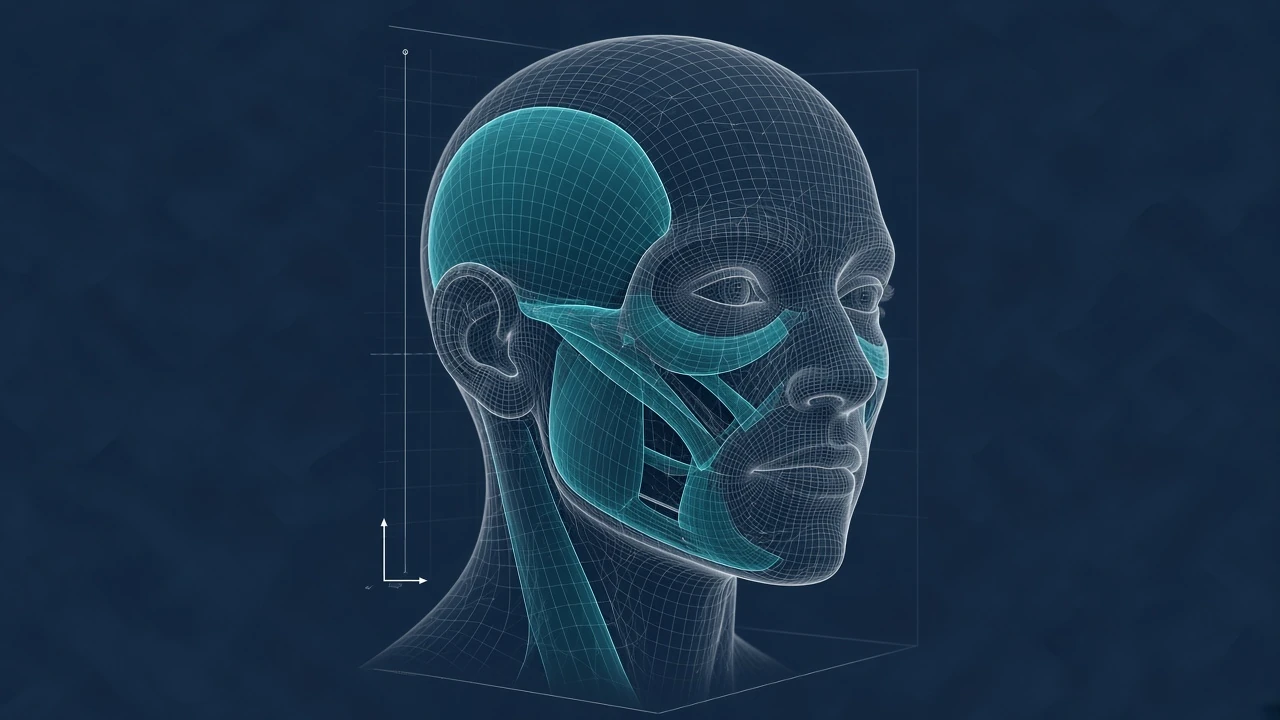
Choose a male or female anatomy model, rotate the face and zoom into the region you want to review. Layer controls let you examine the surface, facial muscles, vascular anatomy, fat compartments and skeletal support. Adjust visibility and opacity to understand how the displayed structures relate to one another.
The visual workspace gives clinicians a shared reference during review and discussion. English and Spanish controls, light and dark themes, and layouts for phones and larger screens let you adapt the anatomy view to the way you work.
Keep the proposed treatment plan visible

- Choose a viewPosition the model
- Review the planInspect selected entries
- Prepare the formReview before export
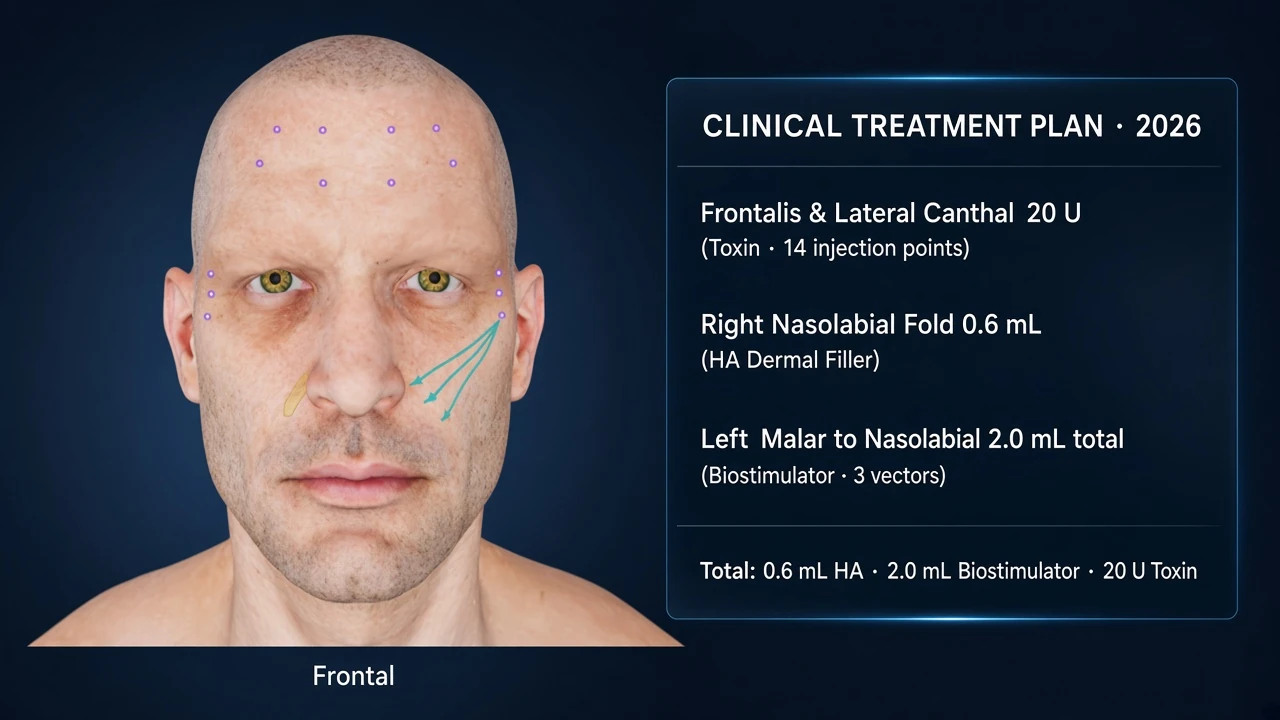
Move from the anatomical view to a treatment mode and review selected points in the plan panel. The model and the list offer two ways to inspect the same proposal: its position on the face and its individual entries. Review the selection before preparing the accompanying patient form.
The form brings together patient information, history, consent and consultation documentation. Its plan preview can include frontal and three-quarter views so that a proposed map has visual context. A plan remains a proposal; recording it does not mean that a treatment has been performed.
Prepare the visit through your own patient link
- Clinic linkShared by the clinician
- Patient intakeInformation and optional photos
- Clinic reviewConfirm the appointment
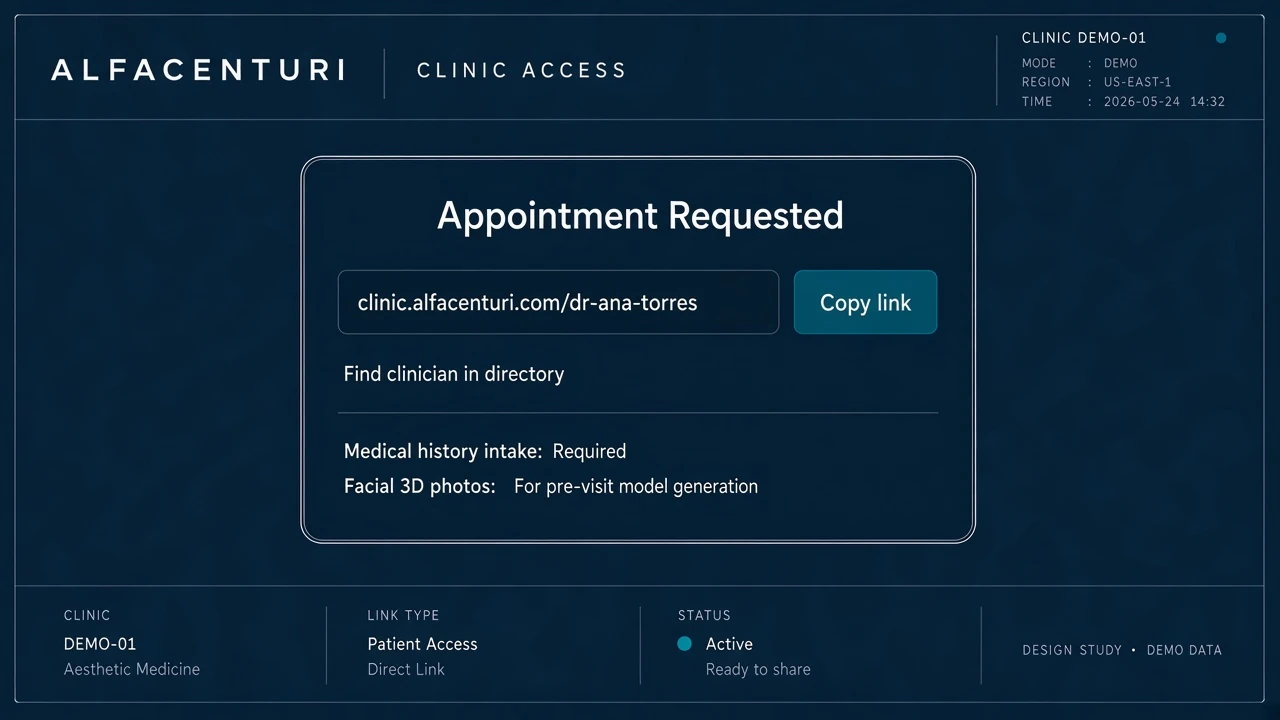
Clinicians with an account can configure a consultation workspace, publish its patient link and download a matching QR code. Share that link after an enquiry on WhatsApp or Instagram, or make the QR available in your clinic. Patients then use the clinic portal to request an appointment, complete their information and submit optional before photographs.
The clinician workspace groups appointment requests, submitted information and patient conversations. The clinic confirms the appointment time. Patients with a verified email address who choose to receive notices can receive appointment reminders and message notifications.
Start with the part of the workflow you need
- AnatomyExplore the 3D reference
- PlanningOrganize the proposal
- Patient portalAccess your clinic workspace
Open the anatomy viewer to explore the interface, read about visual treatment planning, or review the patient workflow before configuring your consultation space. Patient forms, photographs and conversations belong in the authenticated portals. These public pages explain the software without exposing a patient record.
Questions about the software
Is Alfacenturi available on a phone?
Yes. The app has a mobile layout for the anatomy viewer and planning controls, and it also works on larger screens. The interactive 3D model requires a browser with WebGL support.
Which languages does the anatomy interface support?
The main anatomy and planning interface offers English and Spanish. The clinician appointment portal and patient onboarding screens currently use Spanish.
Where do patients start?
Patients use the link or QR code shared by their own clinic. The public anatomy viewer is separate from the clinic-specific appointment and patient account flow.